While working in a spreadsheet, document, or browser, you may need to check a total quickly. If the calculator covers the source data or keeps hiding behind other windows, even a simple calculation interrupts the task.
Keep the tool beside the work
A window that stays on top lets you see the source and result together. A global hotkey is useful when you need the calculator briefly and do not want it to occupy the taskbar all the time.
Match the tool to the workflow
For quick arithmetic, choose a simple calculator with keyboard input, memory, and result copying. For a long searchable history or decimal-based calculations, look for those specific capabilities.
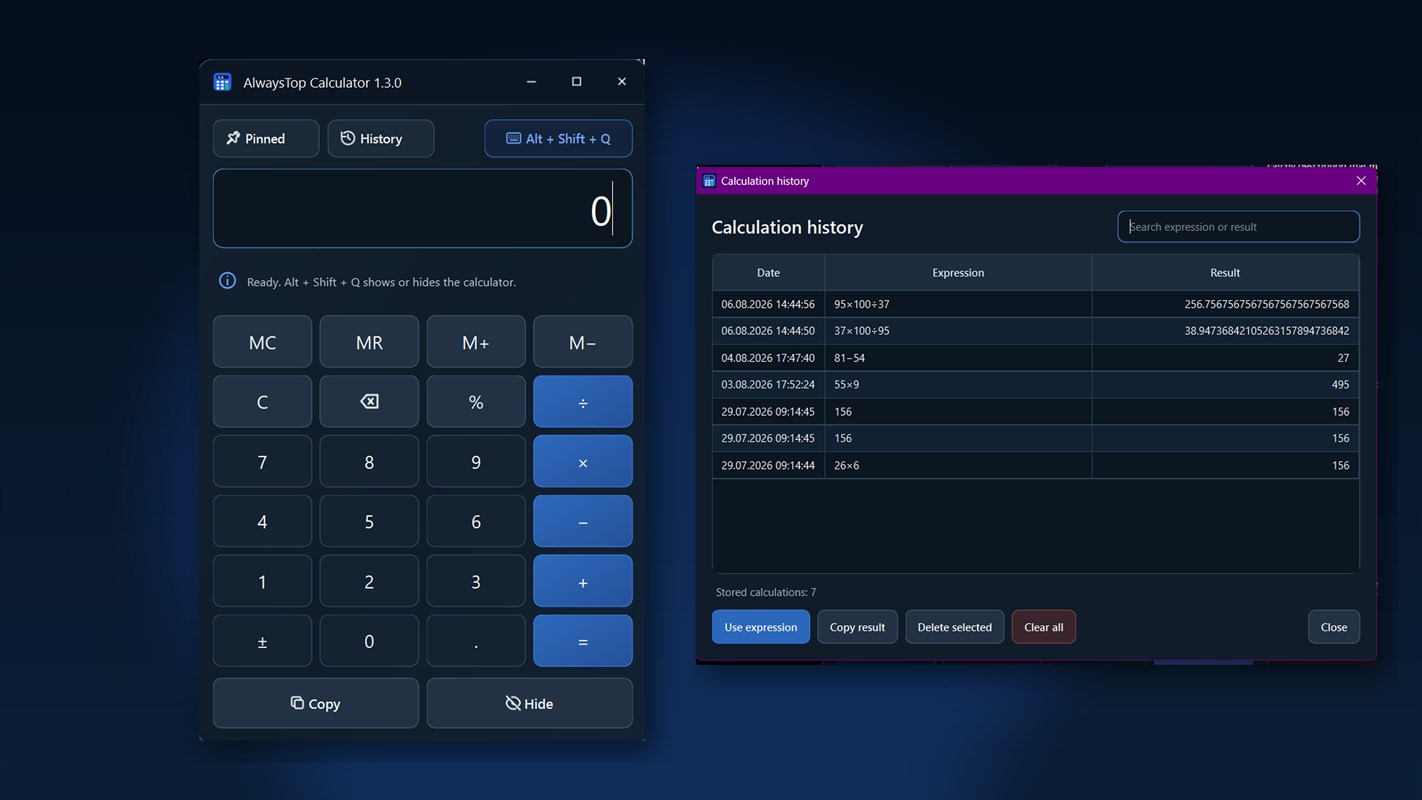
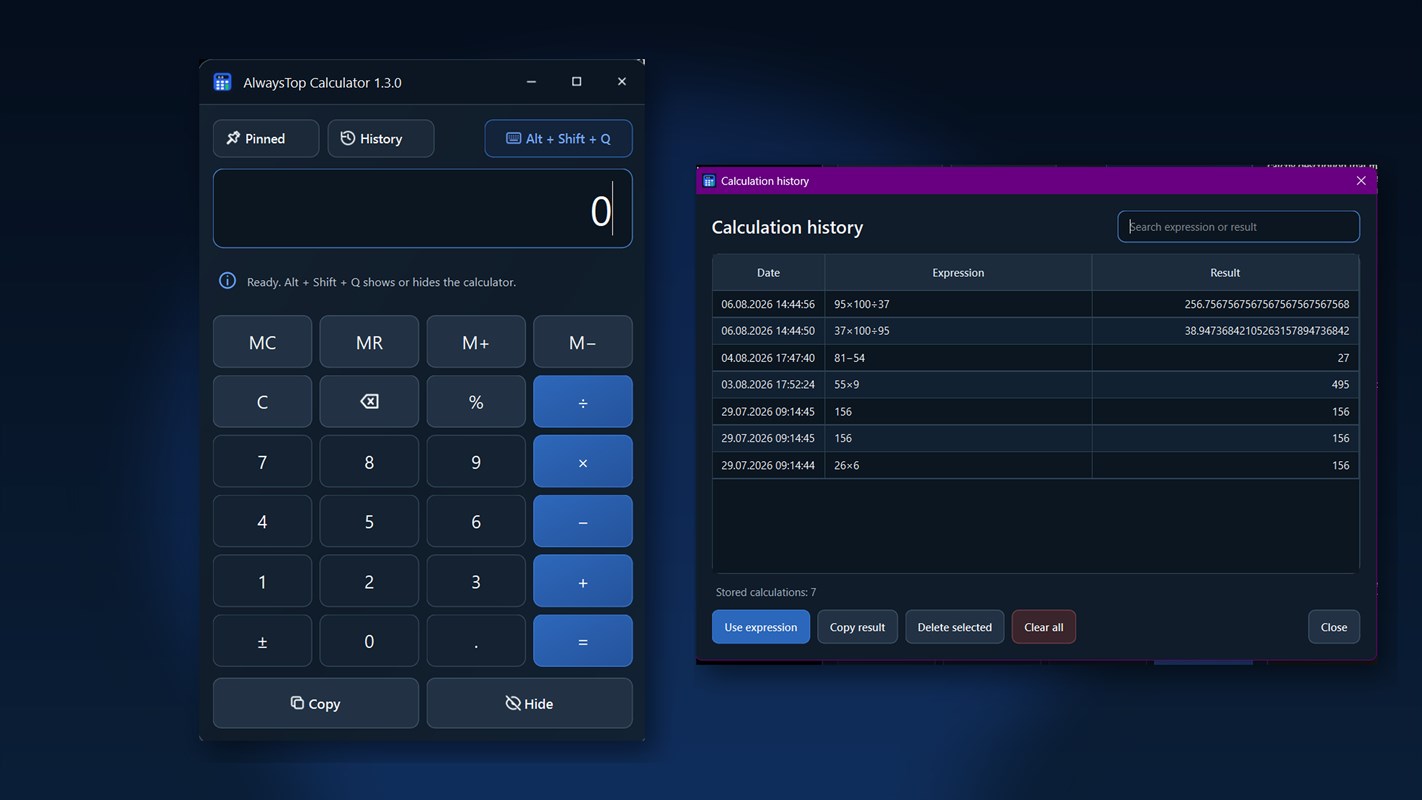
AlwaysTop Calculator stays above other windows, opens with Alt + Shift + Q, and remains available from the system tray. AlwaysTop Calculator — A Calculator That Stays on Top.
See the app interface