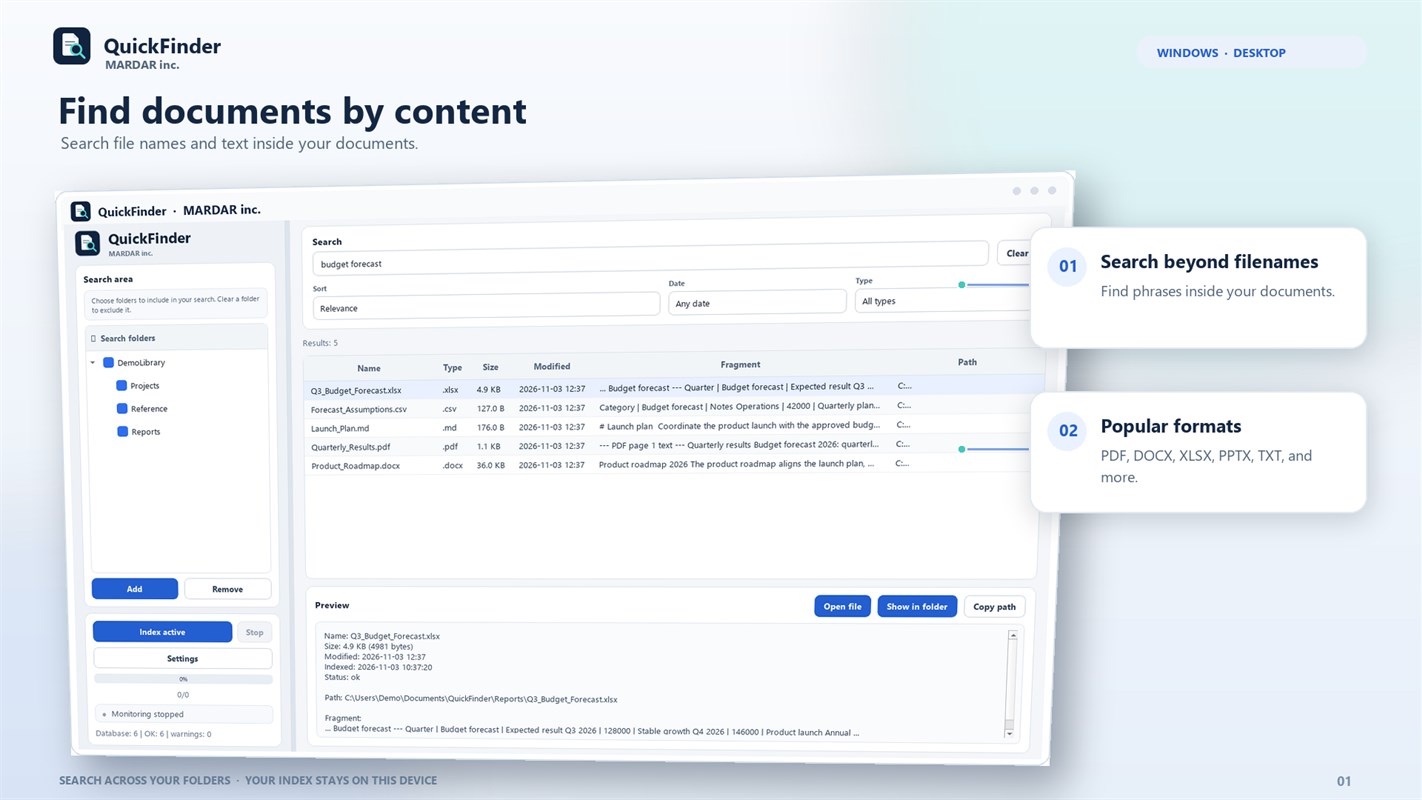
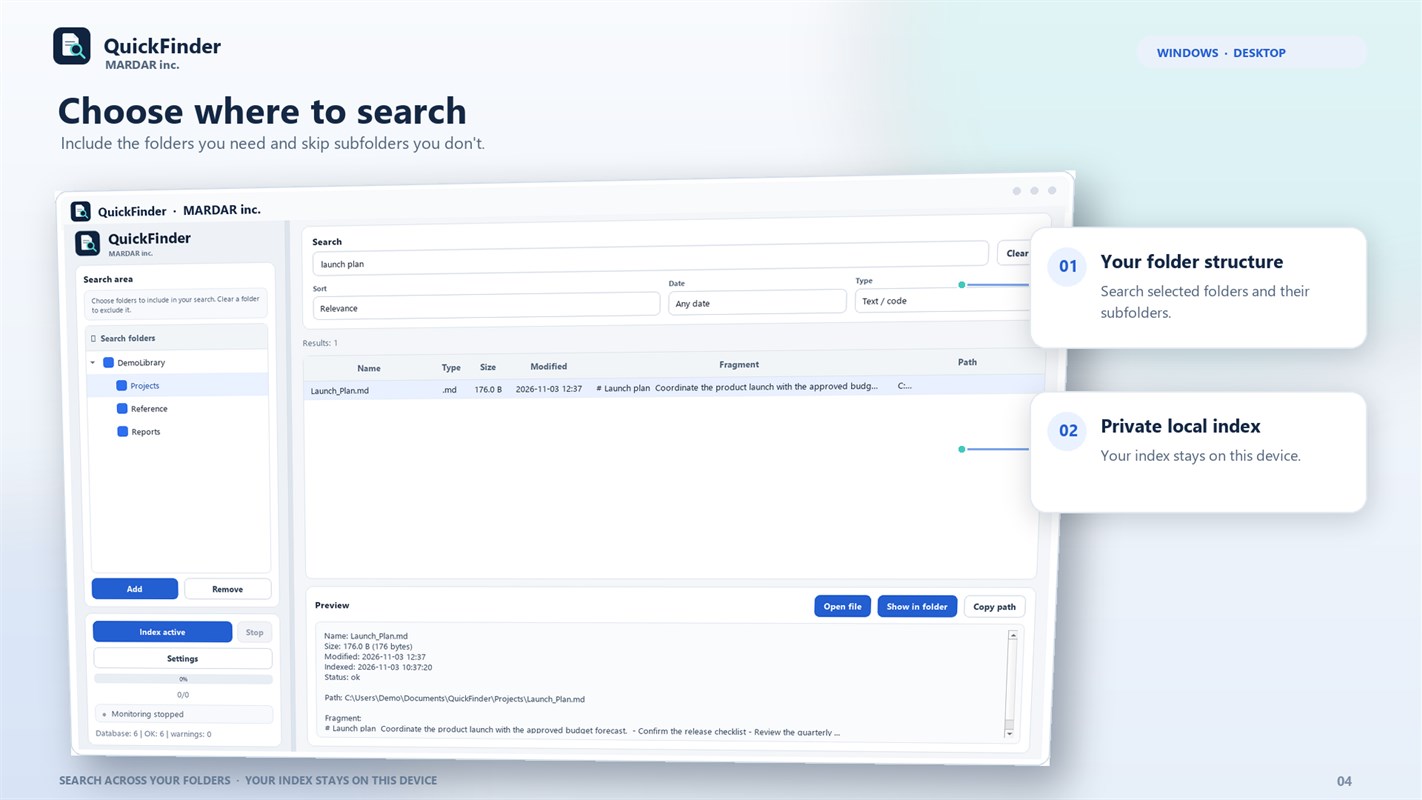
QuickFinder helps locate a document across folders, project archives, and scans. Choose folders to index, then search by file name, path, type, or text inside supported documents.
Search documents and scans
For supported formats, the app can index text inside a document. When OCR is enabled, local text recognition helps search images and scanned PDFs. You choose the search scope and can leave out folders that do not belong in the index.
Keep the index current without cloud upload
QuickFinder watches selected folders and detects new or changed files. The index, paths, and file contents are processed on your PC and are not sent to the developer’s servers.
- Index selected folders.
- Search by name, path, type, and supported content.
- OCR for images and scanned PDFs.
- Background monitoring and a local database.
For sorting folders and finding duplicates, see MARDAR Nest — Smart File Organizer and Search.
See the app interface