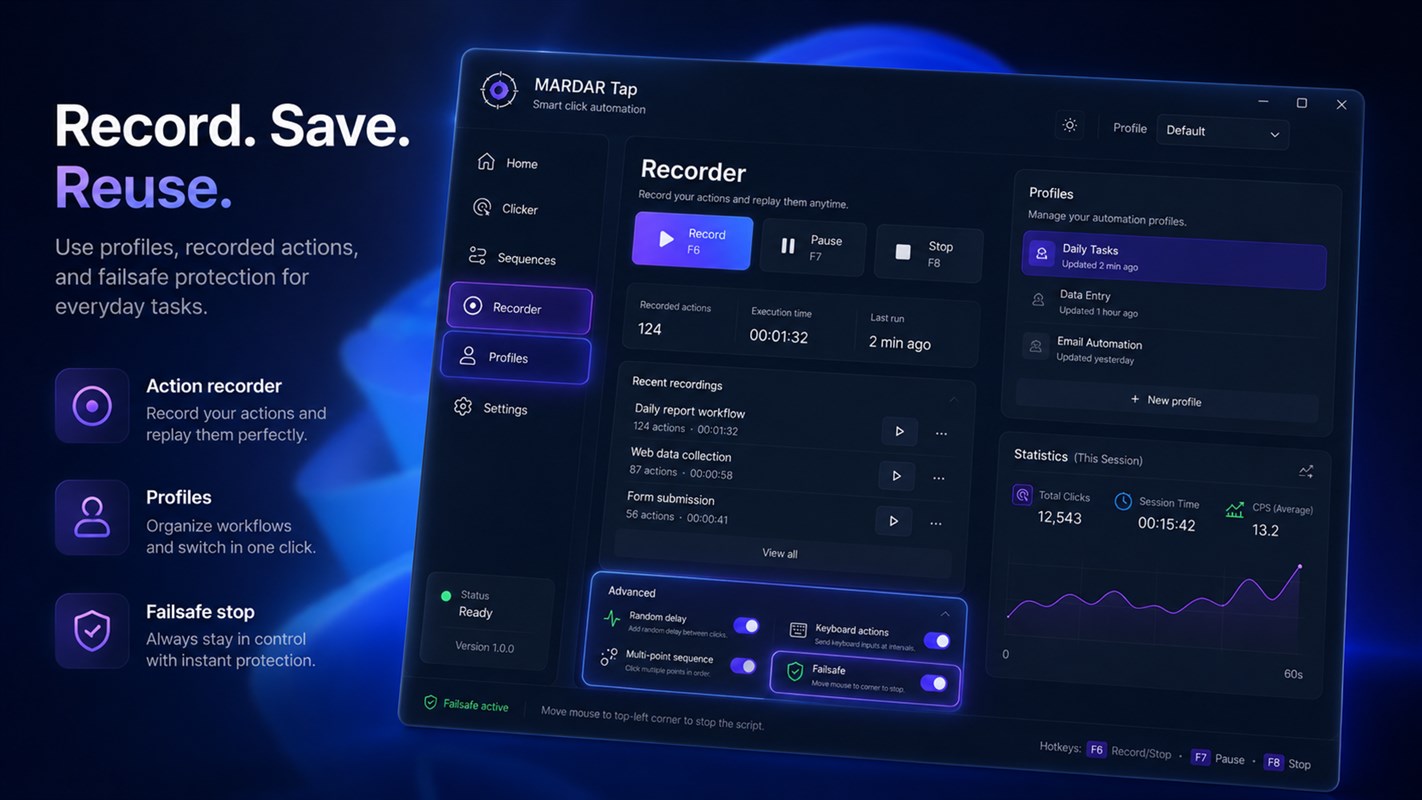
MARDAR Tap automates repetitive mouse and keyboard actions in Windows. For a quick task, set a click interval and position. For a longer workflow, record actions and combine multiple points, keyboard input, and pauses.
Sequences and reusable profiles
Save settings as profiles so you can switch between tasks without configuring everything again. Choose a repeat count or continuous mode, a start delay, and a run duration. Global hotkeys make it quick to start, pause, or stop a sequence.
Timing you can control
Optional randomized delays and small cursor-position jitter help avoid identical timing patterns. The app also supports multiple monitors, system tray controls, session statistics, and safety stops.
- Record mouse and keyboard actions.
- Combine click positions, buttons, and delays.
- Save profiles and use Start, Pause, and Stop hotkeys.
- Set repeat limits and timing options.
See the app interface