Repeated clicks and identical inputs can consume time in routine tasks. Before automating, write down the steps and decide where a person still needs to review the result.
Auto click or recorded actions?
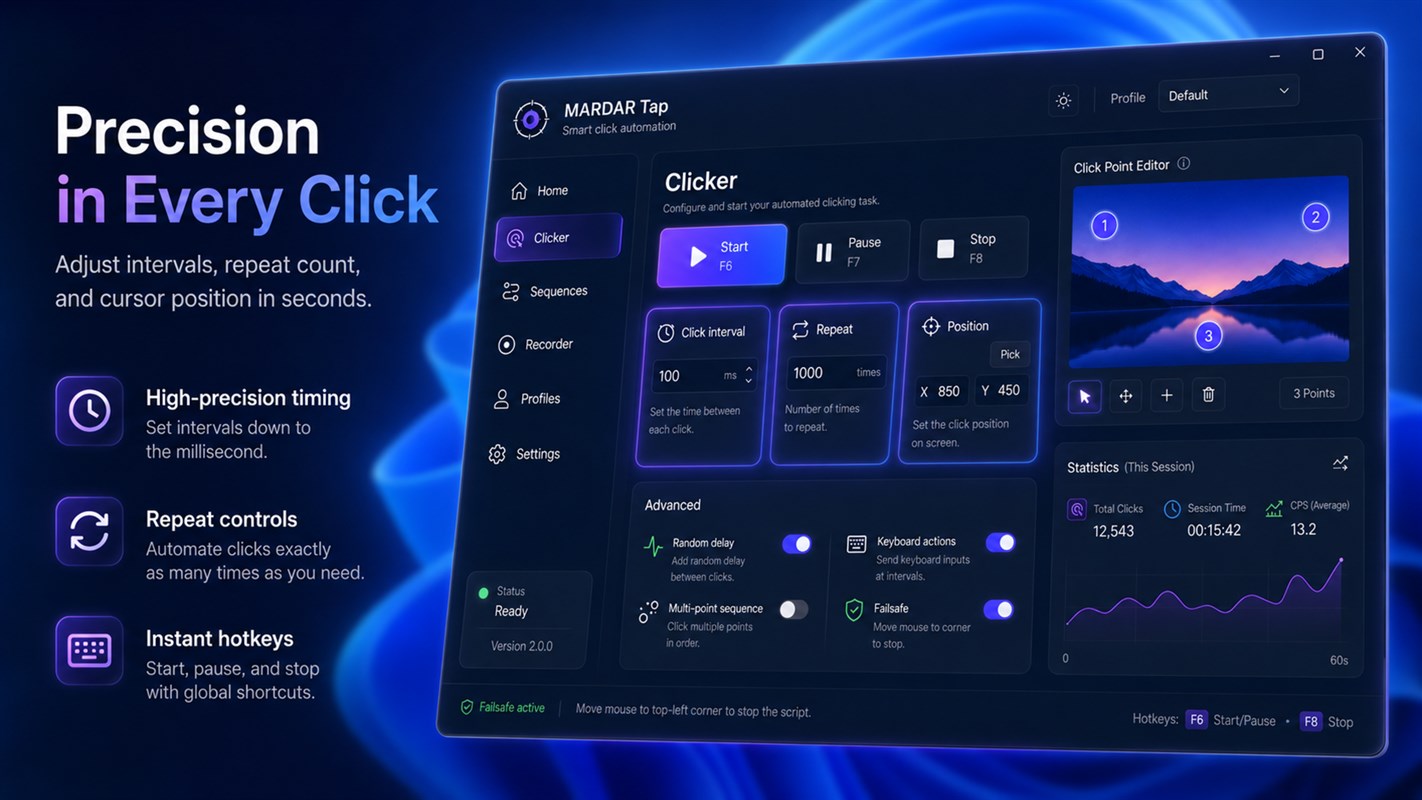
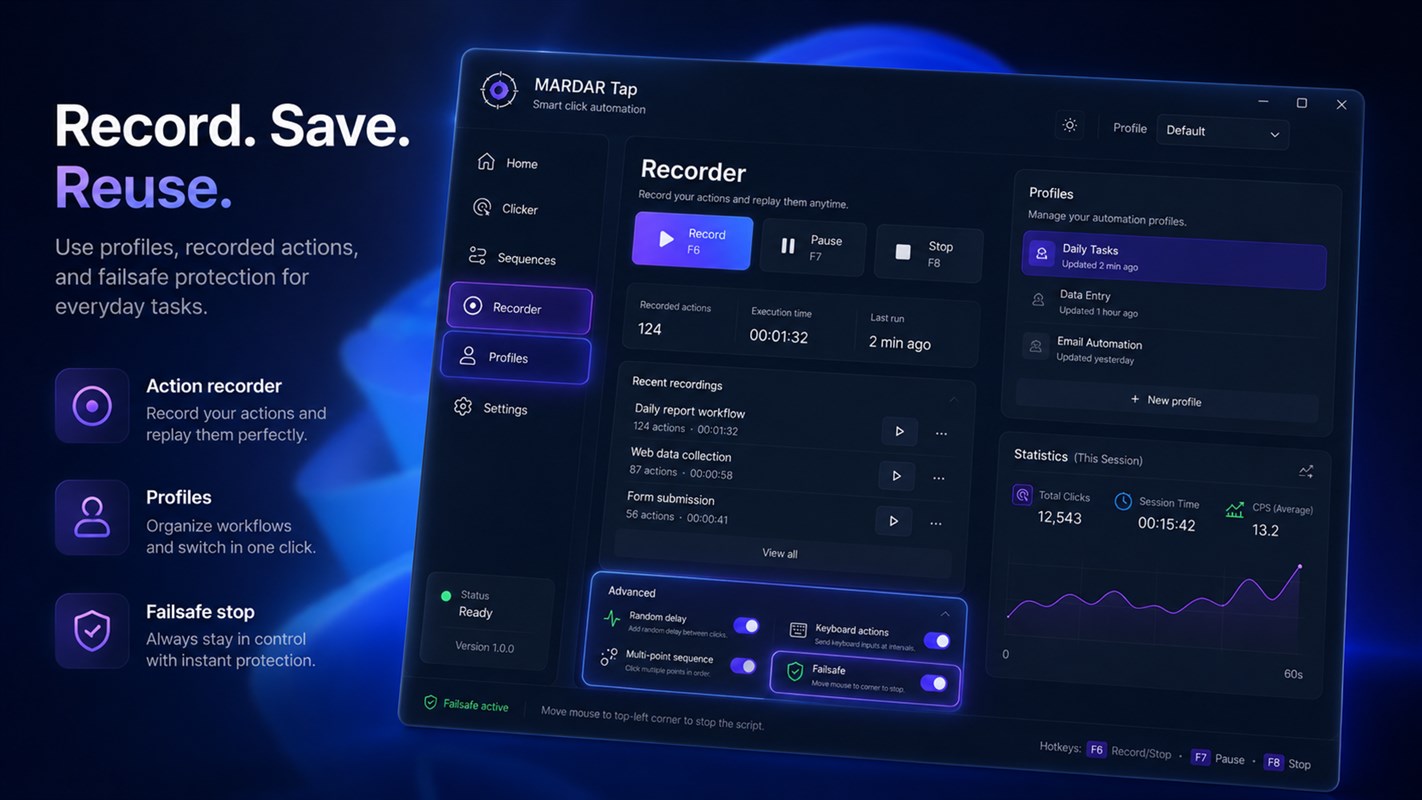
For one repeated click, set a position, interval, and repeat count. If the workflow has multiple positions, key presses, or pauses, record a sequence and review it before playback.
Control start and stop
Set a start delay, duration, or repeat limit. Choose hotkeys to pause or stop the sequence quickly, and test it on a safe, low-impact task first.
MARDAR Tap combines automatic clicking, mouse and keyboard recording, profiles, and configurable timing. See the MARDAR Tap — Click and Action Automation for Windows.
Keep human review where it matters
Automation works best for repeated mechanical actions. If a step depends on meaning or consequences, leave the decision to a person.
See the app interface