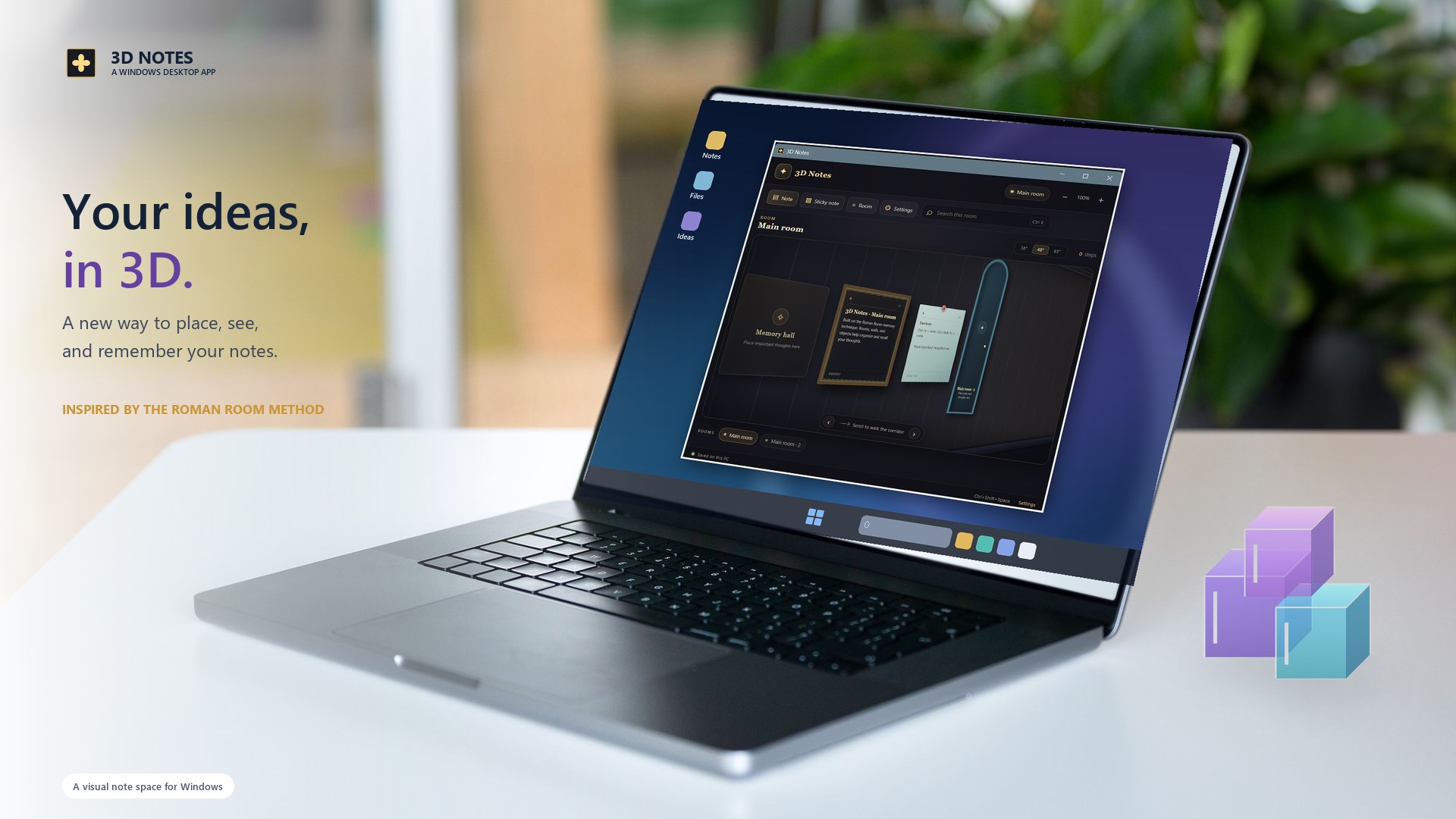
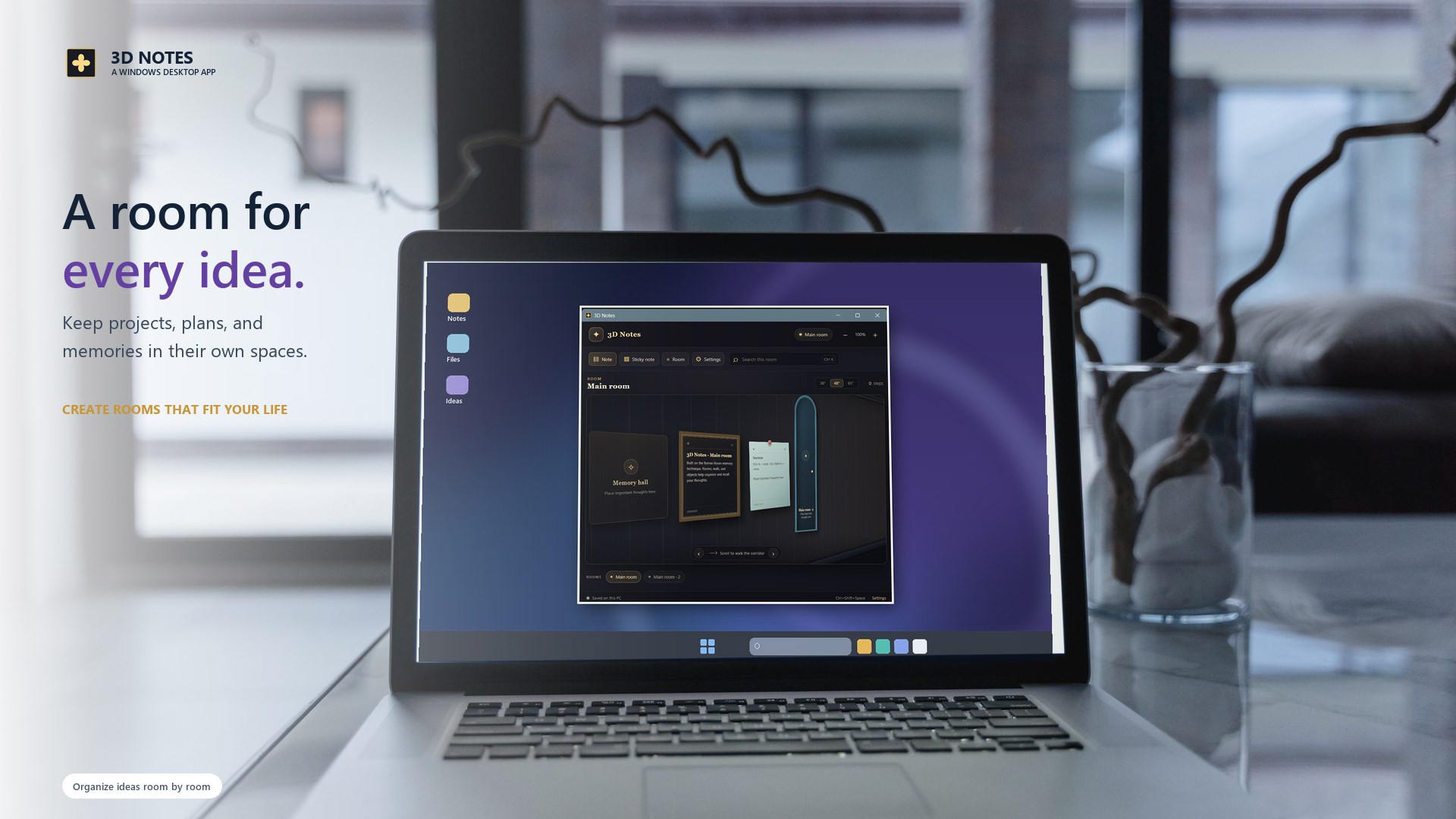
Notes 3D turns note-taking into a visual memory space for Windows. Inspired by the Roman room and method of loci techniques, it helps connect ideas with places instead of keeping everything in one flat list.
Place ideas along a 3D corridor
Create rooms for projects, study, reading, goals, and everyday thoughts. Move between rooms through doorways, scroll through the corridor, search within the current room, and adjust the scale and perspective of its walls.
Your notes stay on your PC
Notes are stored locally, and built-in cloud sync is not included. Import or export JSON backups when you need them. Reopen your memory space from the system tray or use the global keyboard shortcut.
- Place regular notes and sticky notes in a visual space.
- Create separate rooms for projects, study, and personal ideas.
- Search the current room and adjust its perspective.
- Keep notes locally and import or export JSON backups.
- Return quickly from the system tray or global shortcut.
See the app interface