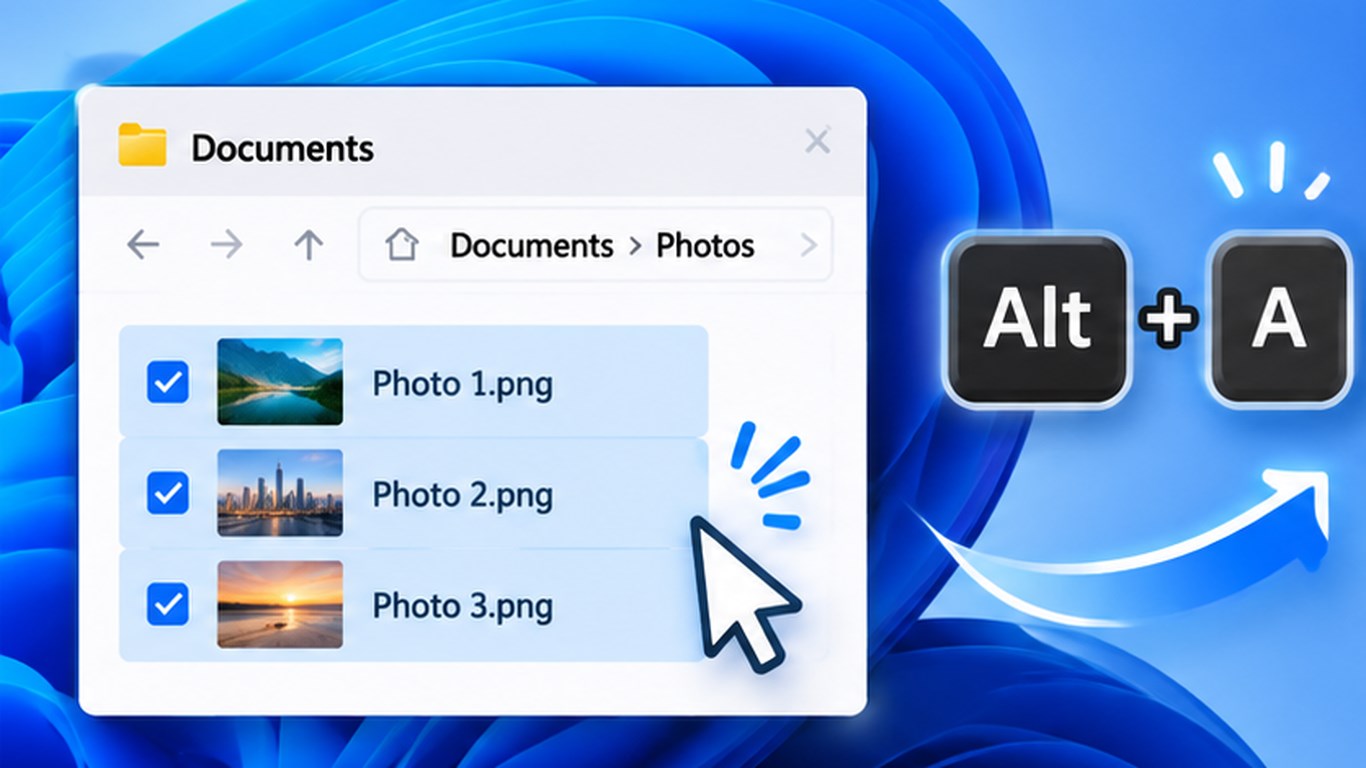
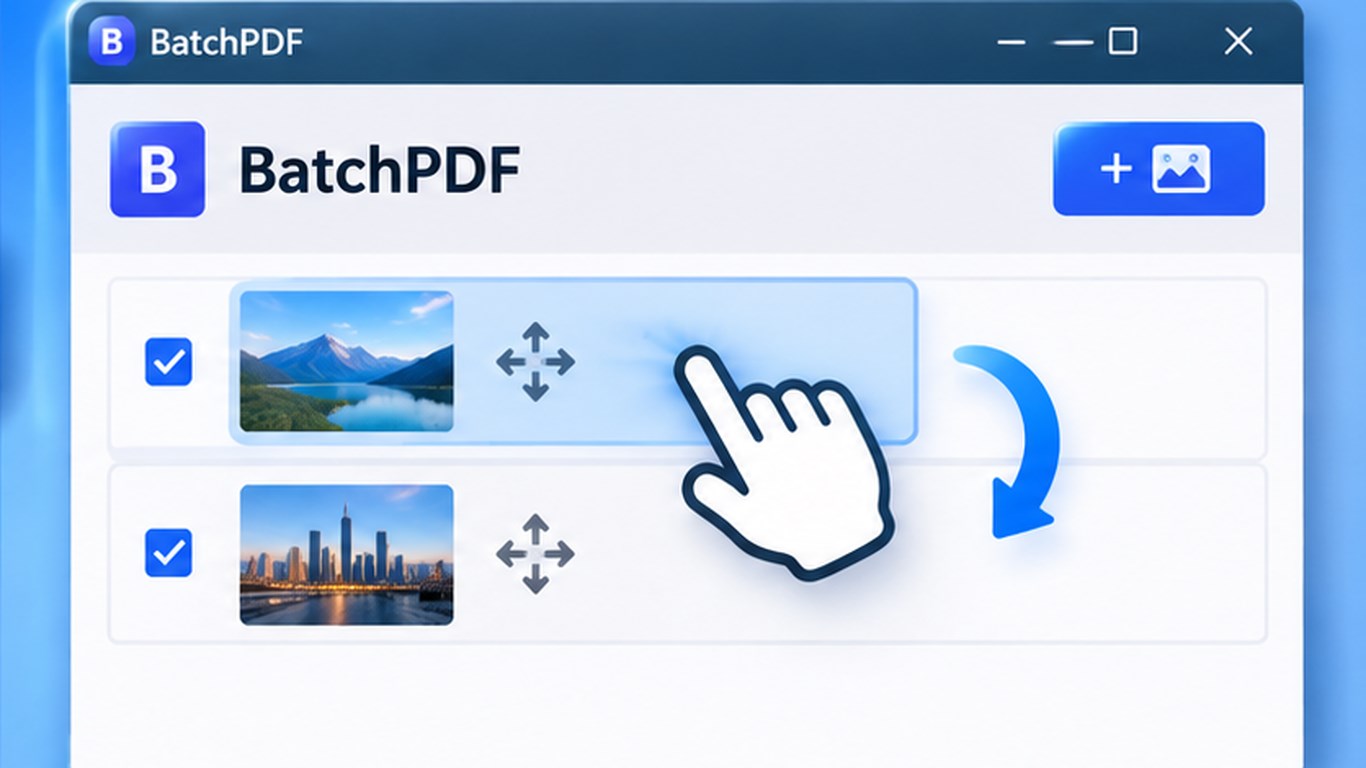
BatchPDF turns selected photos into one PDF document. Select images in Windows File Explorer and press Alt+A to open a thumbnail preview. You can also add images through the app’s file picker.
Review and arrange the pages
Drag thumbnails to put photos in the order you want. Each image becomes a separate PDF page, and the page orientation is selected automatically to match the image.
Choose the file name and destination
By default, BatchPDF suggests the name photo.pdf and the folder containing the source photos. You can change both the file name and save location. Processing happens on your computer; images are not uploaded to the internet.
- Preview selected images from File Explorer with Alt+A.
- Reorder pages by dragging thumbnails.
- One image per PDF page with automatic orientation.
- Choose a custom PDF name and destination folder.
- Interface in 15 languages, optional Windows startup, and system tray access.
See the app interface