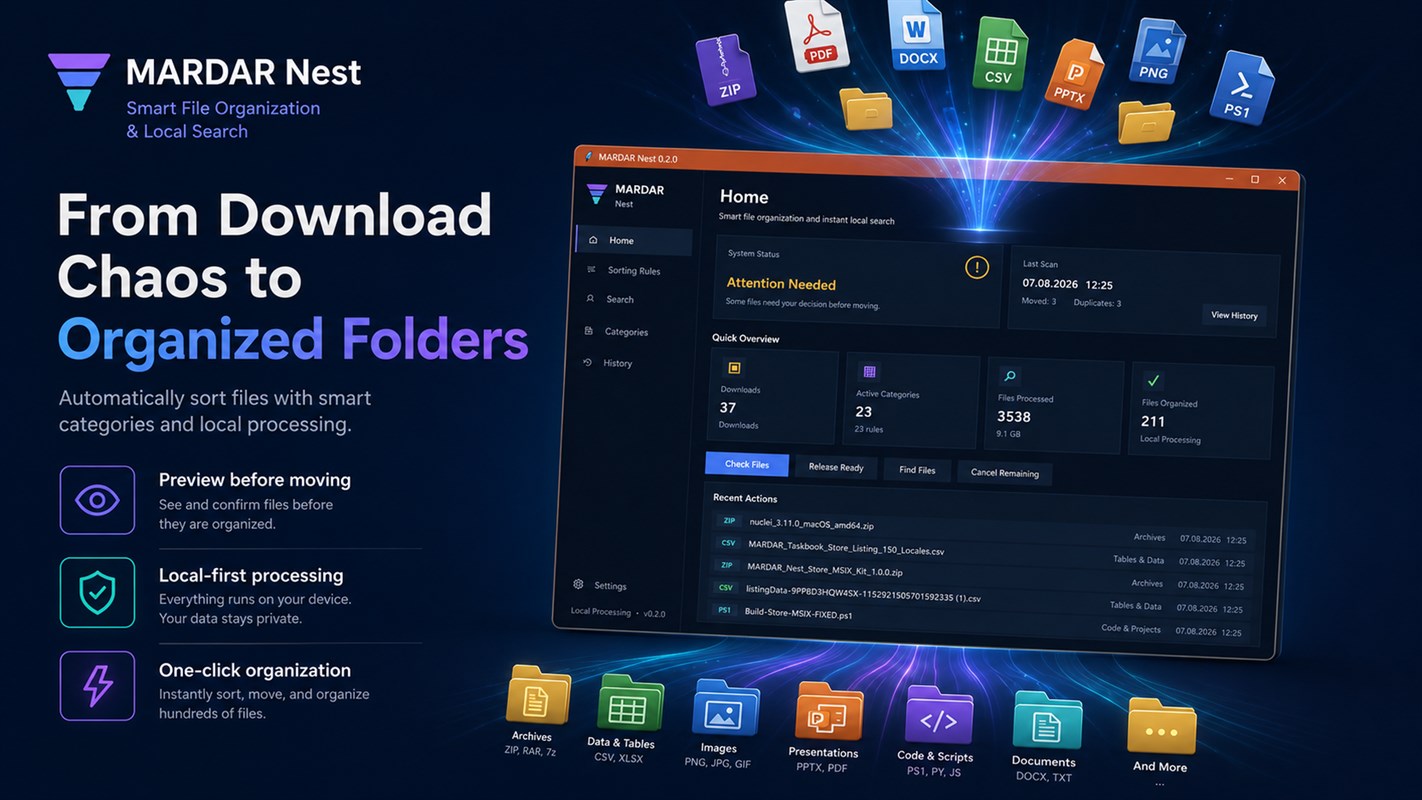
A downloads folder quickly becomes a mix of documents, images, and archives. Manual sorting helps once, but recurring order is easier when you define a few simple rules and review the result before moving files.
Start with a few clear rules
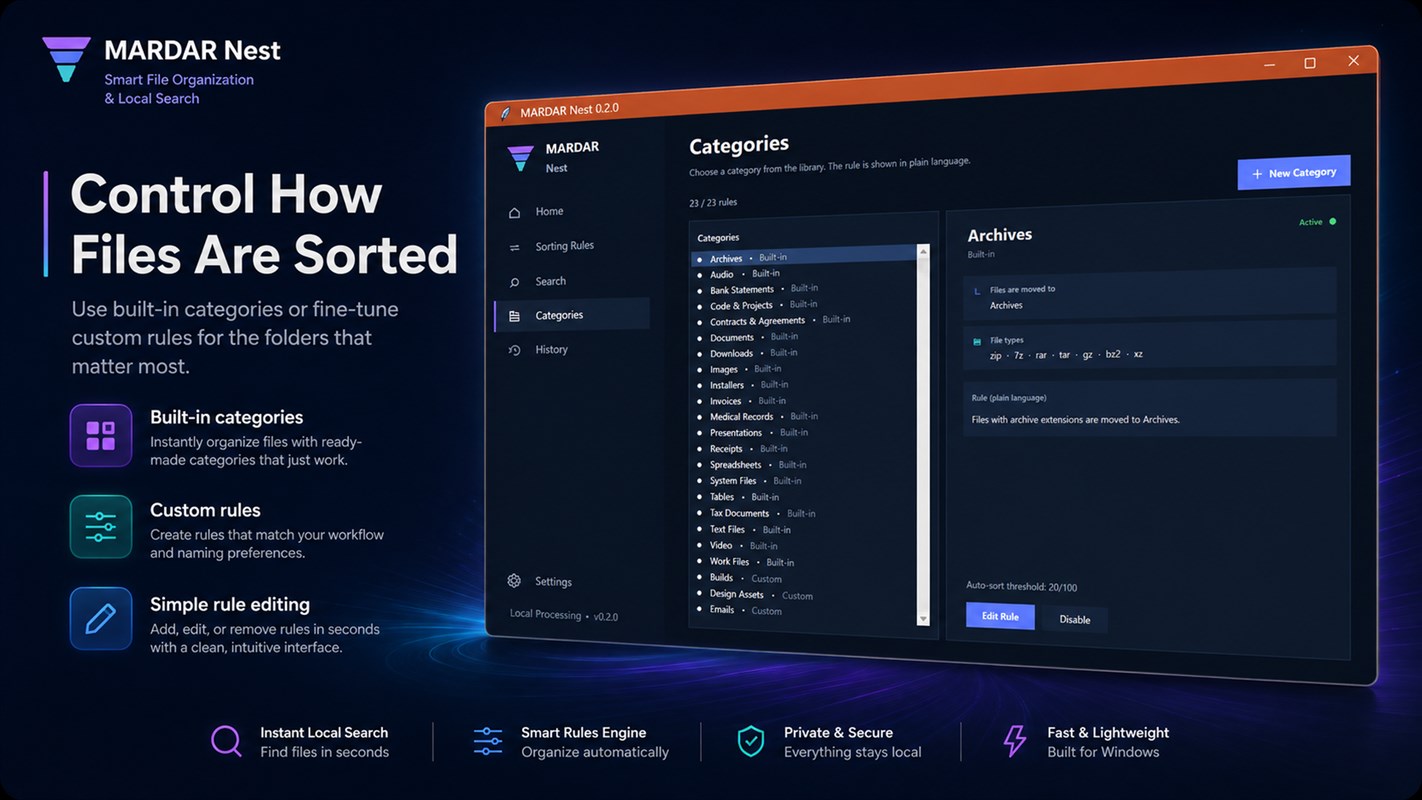
Group files by type, project, or date—whichever helps you find them later. Avoid creating too many nested folders: the structure should match how you actually work.
Review changes before applying them
Before cleaning up, review the suggested destination and duplicate list. A reliable tool should show which actions it is about to take and let you undo supported moves.
MARDAR Nest supports custom sorting rules, monitoring selected folders, and duplicate detection with an action preview. Read the MARDAR Nest — Smart File Organizer and Search.
Keep the folder scope focused
Choose only the folders that need automatic organization. For searching document content and OCR in scans, use a dedicated tool such as QuickFinder — Local Windows File Search.
See the app interface