Windows filename search is not always enough when names are generic or there are many documents. To find information faster, distinguish filename search from document-content indexing and OCR for scans.
When a filename search is enough
If files have useful names and live in known folders, searching by name, path, or type may be all you need. Indexing frequently used folders can reduce repeated waiting.
Search inside a document
For text-based PDFs, spreadsheets, and presentations, a tool can index content in supported formats. A scan is essentially an image of a page, so ordinary text search cannot read it. OCR helps by recognizing text locally from the image.
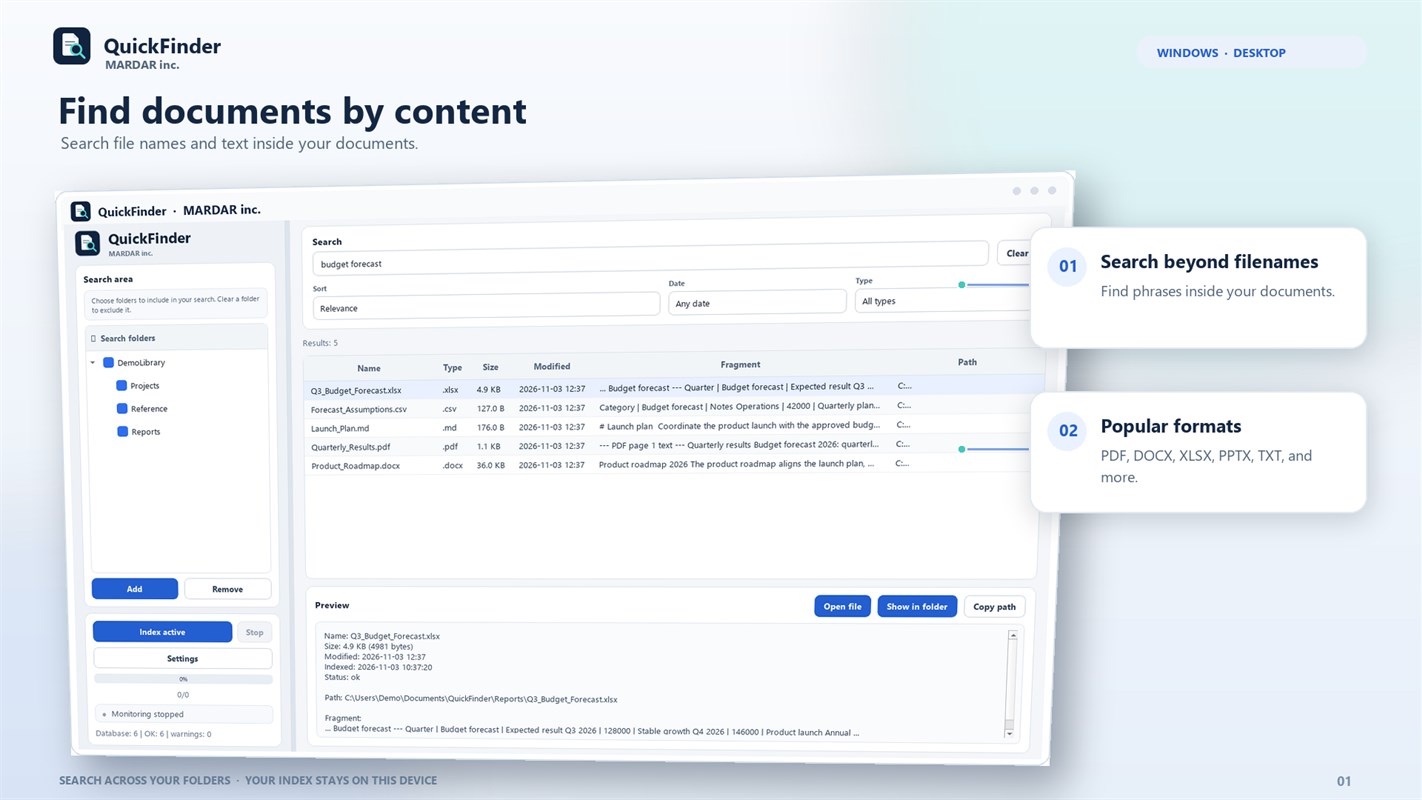
QuickFinder indexes selected folders, searches supported document content, and can OCR images and scanned PDFs. See the QuickFinder — Local Windows File Search or open it in the Microsoft Store.
Choose what belongs in the index
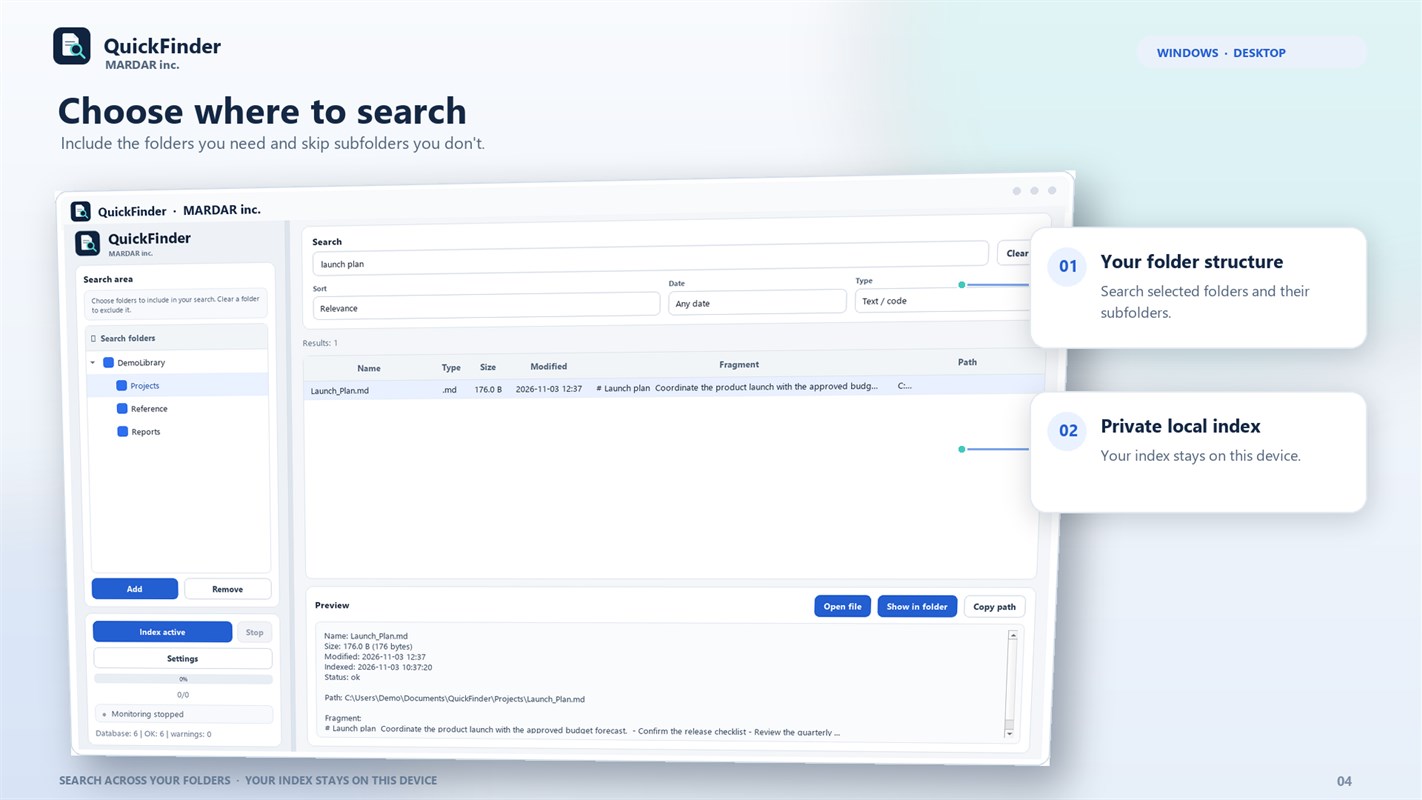
Include only the work folders you actually need to search. This keeps results clearer and leaves the index scope under your control.
See the app interface